Tell your agents what you need done.
A one-liner or a full brief, such as "reply to new enquiries within the hour" or "a short product video every Friday". Attach files, your price list or your brand kit.
Follow-up emails, social posts, short videos, research and the weekly report — built end to end by your agents, using your data, your tools and your style. You approve what goes out.
Free to start. Runs in your browser and on Windows and macOS.
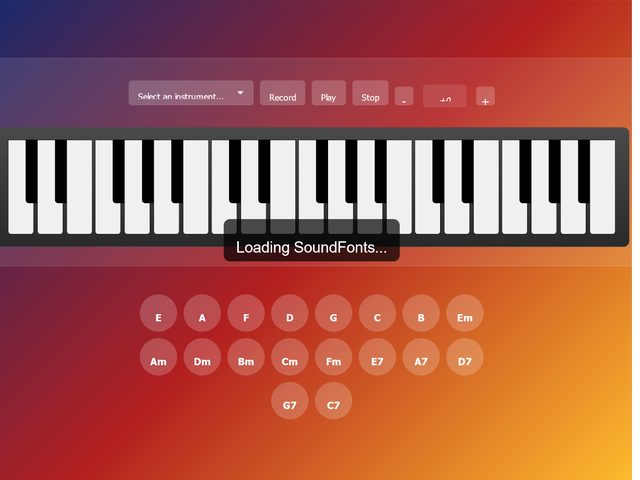
SoundFont Keyboard: Interactive Musical Experience with Chords
Open build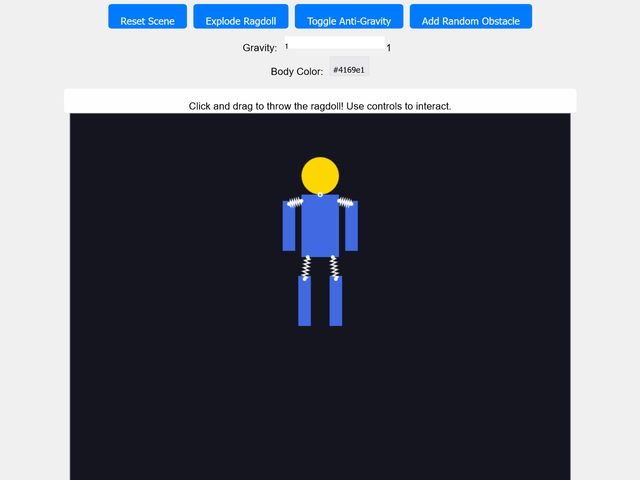
Interactive Ragdoll Physics
Open build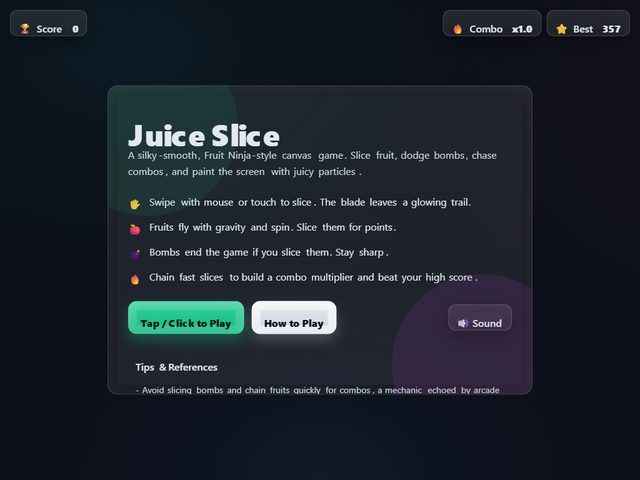
Juice Slice — Fruit Ninja-style HTML5 Canvas Game
Open build
iPhone 3G Simulator
Open build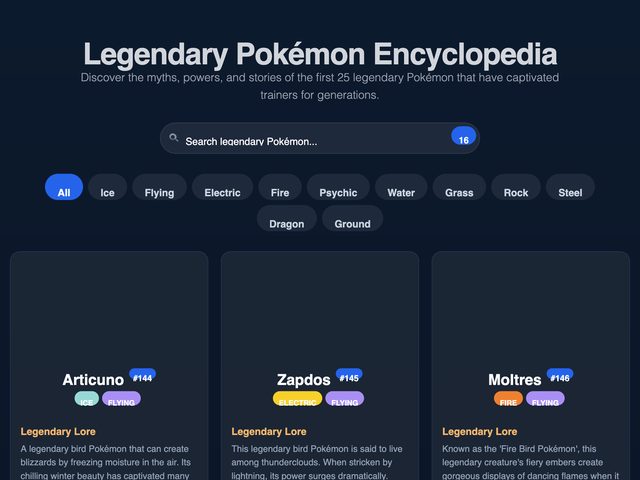
Legendary Pokémon Encyclopedia
Open build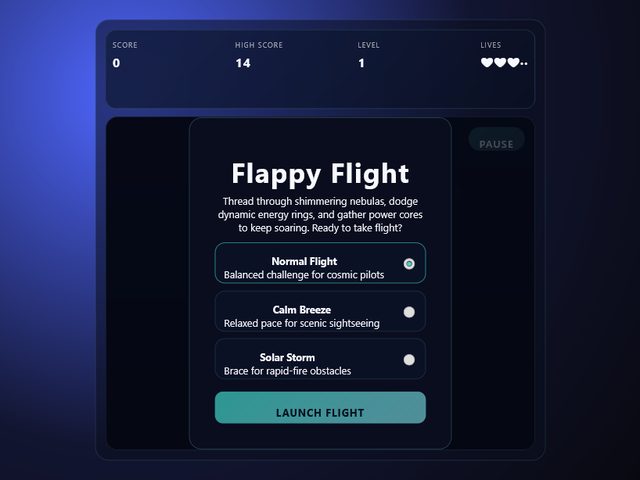
Flappy Flight
Open build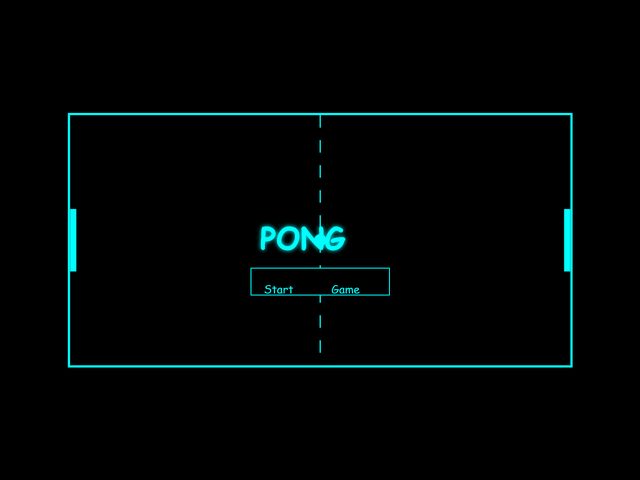
Pong with Adaptive AI
Open build
Zaraelle Voss - Glow Up Anthem
Open build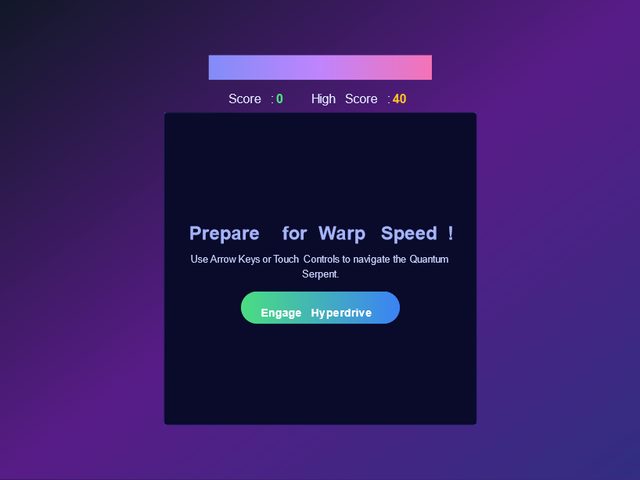
Quantum Serpent - Hyperdimensional Snake
Open build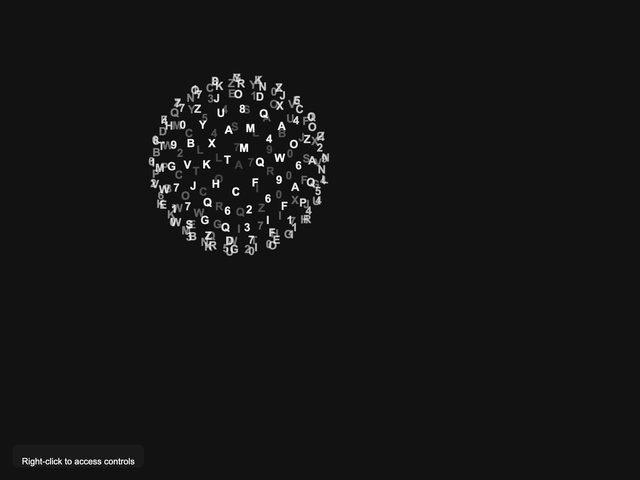
Rotating Character Sphere
Open buildHand your workforce a job. They research, build and deliver it, and keep doing it every morning until you change the brief.
A one-liner or a full brief, such as "reply to new enquiries within the hour" or "a short product video every Friday". Attach files, your price list or your brand kit.
Real browsers, real files, real tools. Agents research, write, design and edit on a shared mission board, and you can watch every step as it happens.
Drafts and research run on their own. Posts, outside emails, spending and deletes wait in your approval queue, and the job runs again tomorrow morning.
Apps, video, images, music, 3D — whatever your business needs next.
Interactive apps, games and tools. Your agents write the code, test it in a real browser and host it at a link you can share.
Long jobs such as a music video or a 3D game, run as a mission: every step, file and decision on one board.
Characters and objects generated, rigged and shown in a viewer you can spin around.
Beats, songs and background music for your videos and ads.
Hire, connect and manage your agents from one command center.
Every agent comes with its own computer: a cloud sandbox, a terminal and a real browser. Or run them on your own machine with the desktop app.
See every search, every step and every file as it is made. Agents remember what worked and turn it into skills they reuse next time.
Chat on the web, the desktop app or your phone. Message your agents on Slack or Telegram, get results by email, call them, or run a job on a schedule.
Trust is the reason most people hesitate to hand work to AI, so the controls are part of the product, not fine print.
Publishing, outside emails, spending and deletes wait for you.
The mission board shows each step, its output and who approved it.
Set a ceiling for each agent. When it is reached, the agent stops and tells you.
Your balance is on screen while you work. At zero you get a top-up prompt, not a surprise bill.
Connect your own TikTok account. When a video is ready, preview it, edit the caption and click Send to TikTok. It lands in your TikTok inbox as a draft, and you finish and post it in the TikTok app.

That is the whole idea of ThinkForce. You set up a job once, and every morning your agents wake up and do it, then report back with what they finished and what needs your sign-off.
You describe a repetitive job once, such as daily social posts, follow-up emails, short videos or a weekly report. A team of AI agents plans the steps on a mission board, does the work with real tools, and shows you the result. You approve anything that goes out publicly.
No. A chatbot gives you text. ThinkForce agents use tools such as a web browser, email, files, image, video and voice, work on a schedule, remember context, hand work to each other, and log every action on a board you can review.
Publishing, sending to people outside your company, spending money and deleting data wait for your approval. Drafts, research and internal work run on their own, and every action is logged.
You connect your own TikTok account. When a video is ready, you preview it and click Send to TikTok. The video arrives in your TikTok inbox as a draft, and you finish and post it in the TikTok app. Details are on the TikTok integration page.
You can start free. Usage is measured in credits that are shown live inside the app, you can set a budget per agent, and when you run out you are asked to top up instead of being billed by surprise.
ThinkForce is made by Thinkforce LLC. You can reach us through the contact page.
Describe the job you want off your plate. We copy it for you, so you can paste it into your first chat after you sign in.
Free to start · no credit card · Mac app · Windows app